Download Your ParentZone Gallery in One Click
Securely organize and save your child's memories from ParentZone.me directly to your computer. No more manual saving.
Features
Everything you need to save your memories
One-Click Download
- Save hours of manual saving. Download your entire gallery instantly with a single click.
Smart Organization
- Files are automatically named with dates and times, keeping your memories sorted chronologically.
Secure & Private
- Your data stays on your device. We never store your photos or login credentials.
How It Works
Three simple steps
1
Install Extension
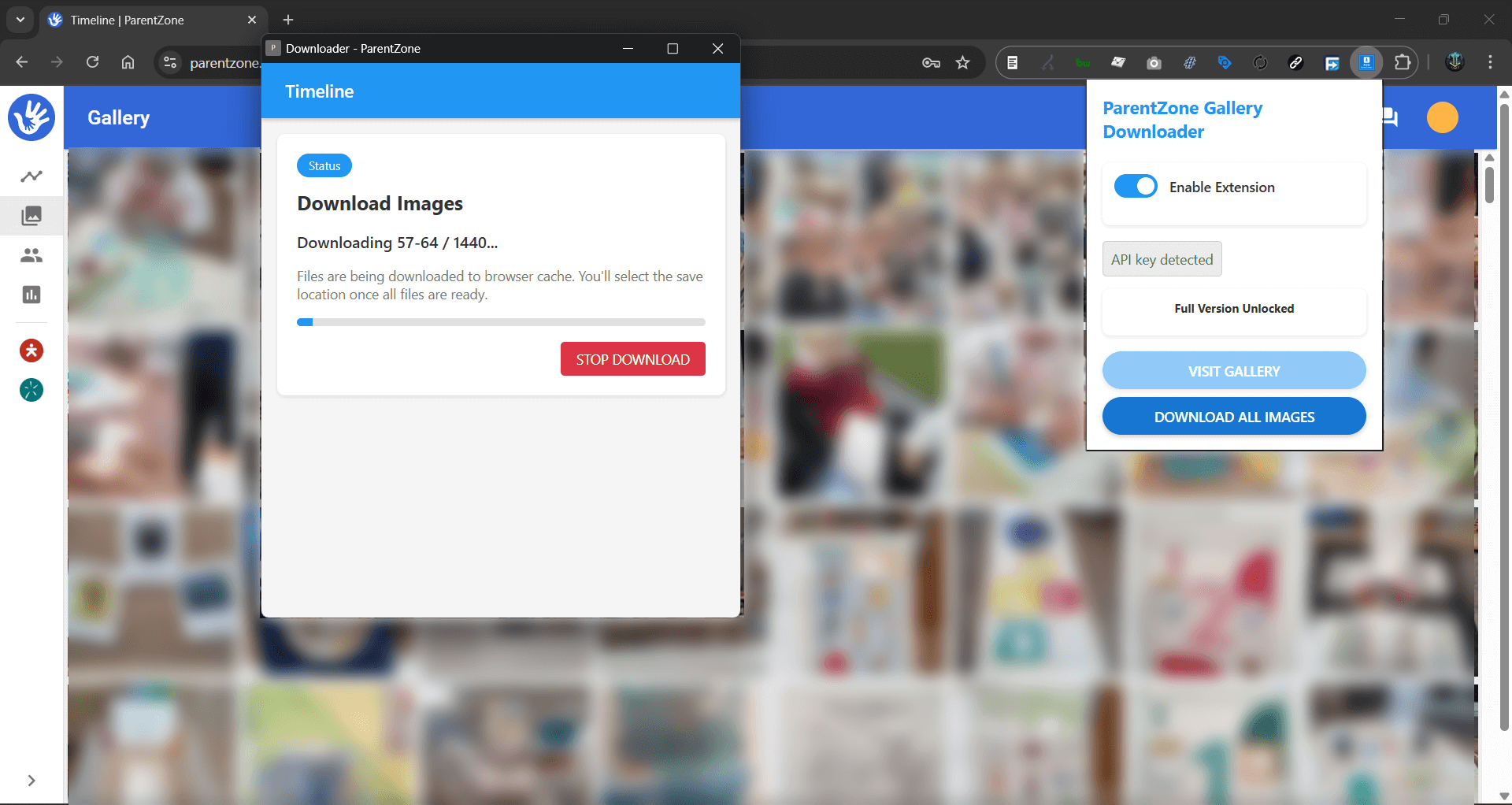
Add the ParentZone Gallery Downloader to your Chrome browser from the Web Store.
2
Visit Gallery
Log in to ParentZone.me and navigate to your child's gallery page.
3
Download
Click the extension icon and hit "Download All Images". Watch your memories save instantly.